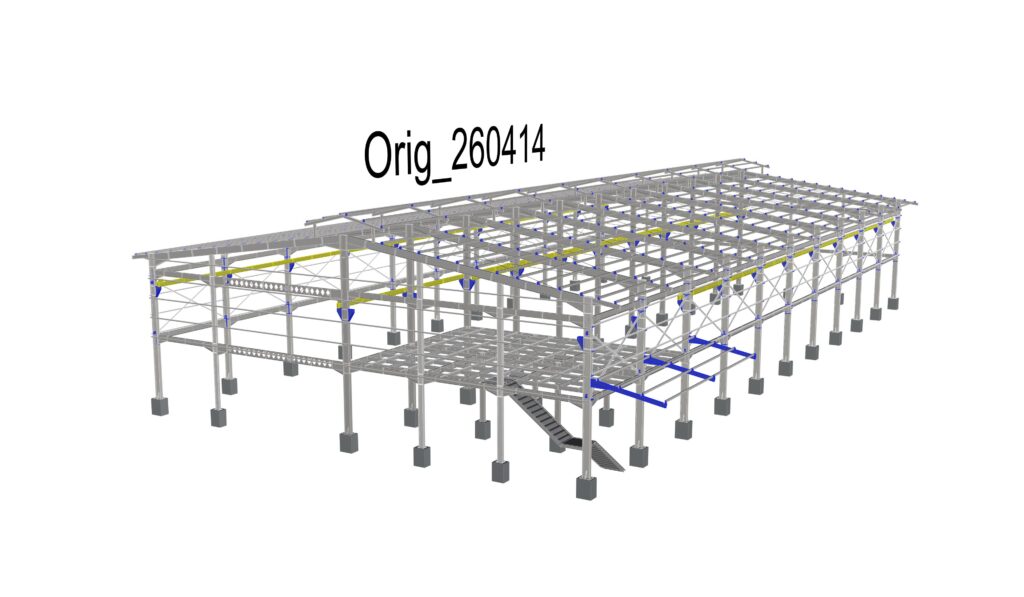
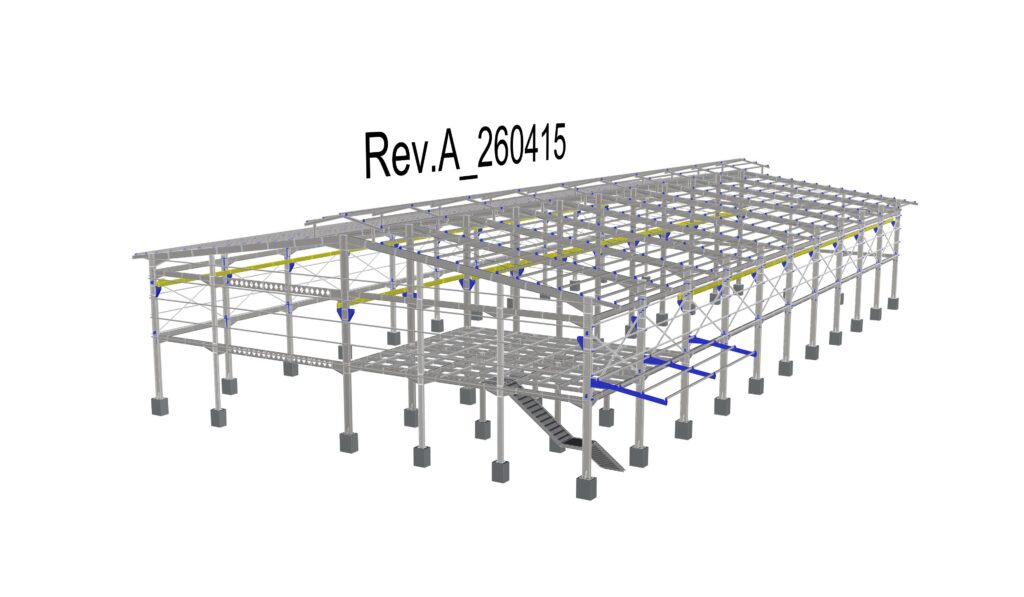
Output Revision Scirpt


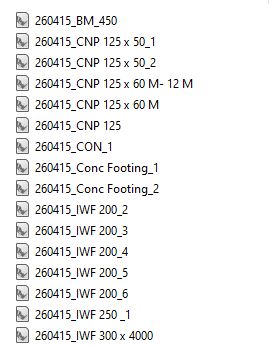
Unlike the Input script, this variant focuses on individual parts and their specific geometric changes rather than raw geometry overlap. The model needs to be properly structured — ideally exported from Rhino, SolidWorks, Inventor, or a similar CAD environment where geometry is cleanly organized into blocks or components. The script flattens the entire assembly hierarchy and compares each individual part across both revisions, evaluating properties such as centroid position, volume, and mass distribution. The result is both a visual layout with all changed parts laid out side by side, and a CSV report listing every detected difference per part — what changed, what was added, and what was removed between the two revisions.

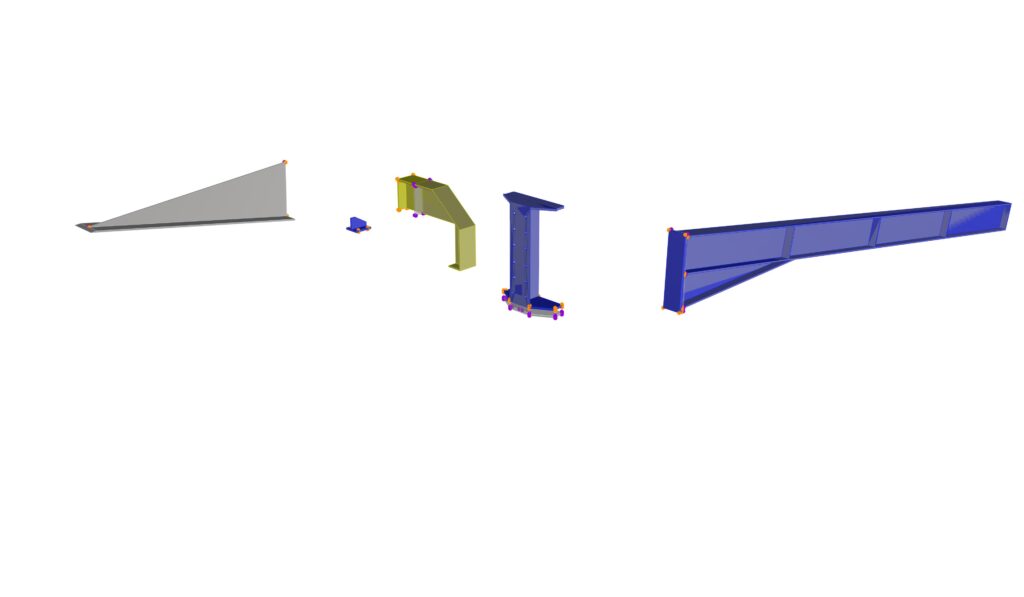
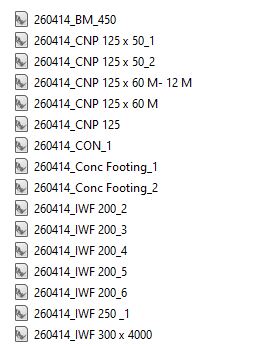
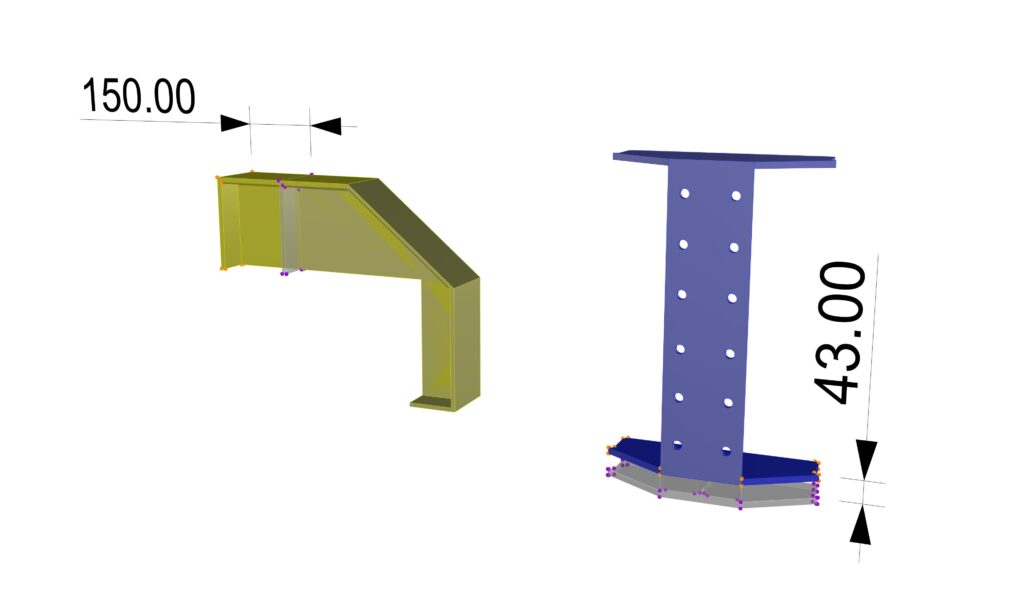
The script can operate in two modes. In assembly mode, it takes the complete assembly, breaks it down into individual parts, and processes them as a whole. In batch mode, it works directly on a folder of individual part files, processing each one in sequence. Whenever a change is detected — regardless of the mode — the affected parts are organized into a visual layout, placed on top of each other, and all geometric differences are highlighted. The output can therefore represent either the full assembly with all its changed components, or a series of individual part comparisons depending on the input structure.

The highlighting of detected changes on individual parts follows the same principle as the Input Revision script — differences are visualized as a point cloud directly on the geometry, using distinct colors to distinguish between the old and new version.

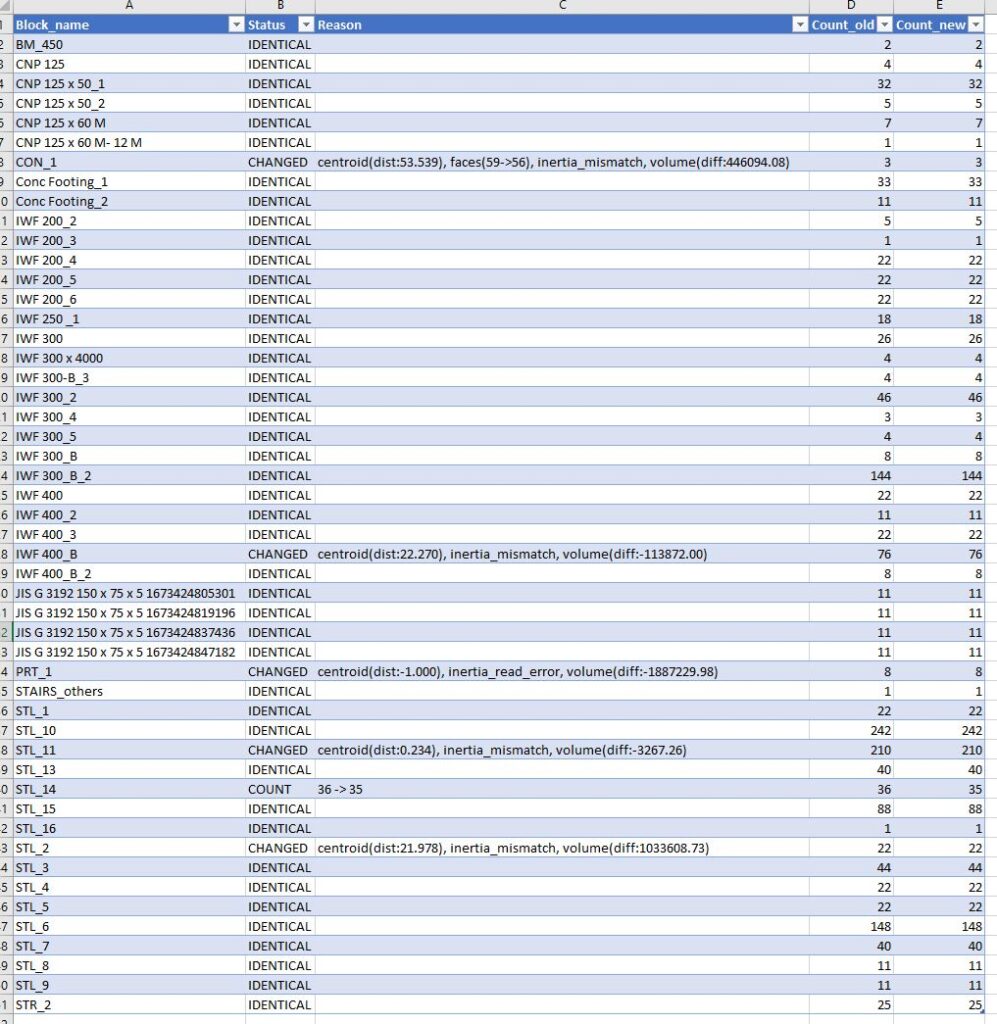
Unlike the Input Revision script, this script matches parts by name and compares not only raw geometry vertices and edge midpoints, but also a broader set of geometric properties — including volume, surface area, centroid position, inertia axes, and other characteristics, up to 10 geometric parameters in total. This makes the comparison significantly more robust, capturing subtle changes that would not be visible from geometry alone. The output includes both the geometric visual comparison and a BOM report — containing a complete list of all parts and their counts across both revisions, with each differing parameter explicitly flagged, giving a clear, structured overview of every change across the entire assembly.